Social Media Repurposing Creator Playbook

How to Repurpose TikTok Videos to Instagram Reels Without the Bouncing Watermark

Why Instagram suppresses Reels with TikTok watermarks by up to 80%, and how creators cleanly remove bouncing usernames and end screens to multiply their reach across platforms.

Fact-Checked & Lab-Verified • 7 min read
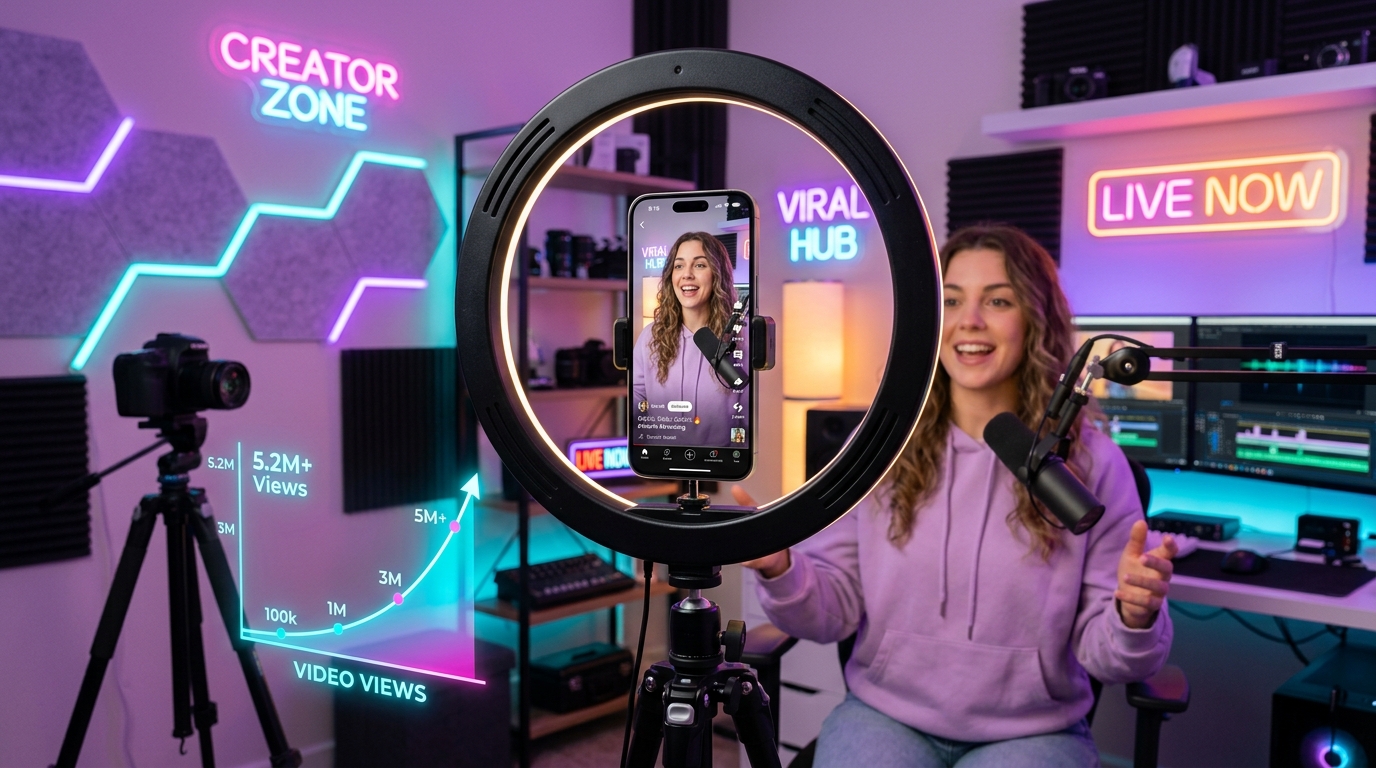
Creator recording studio with smartphone on ring light displaying viral clean vertical video without TikTok watermark
✨ Verified AI Research Visual Day 9 Master Topic

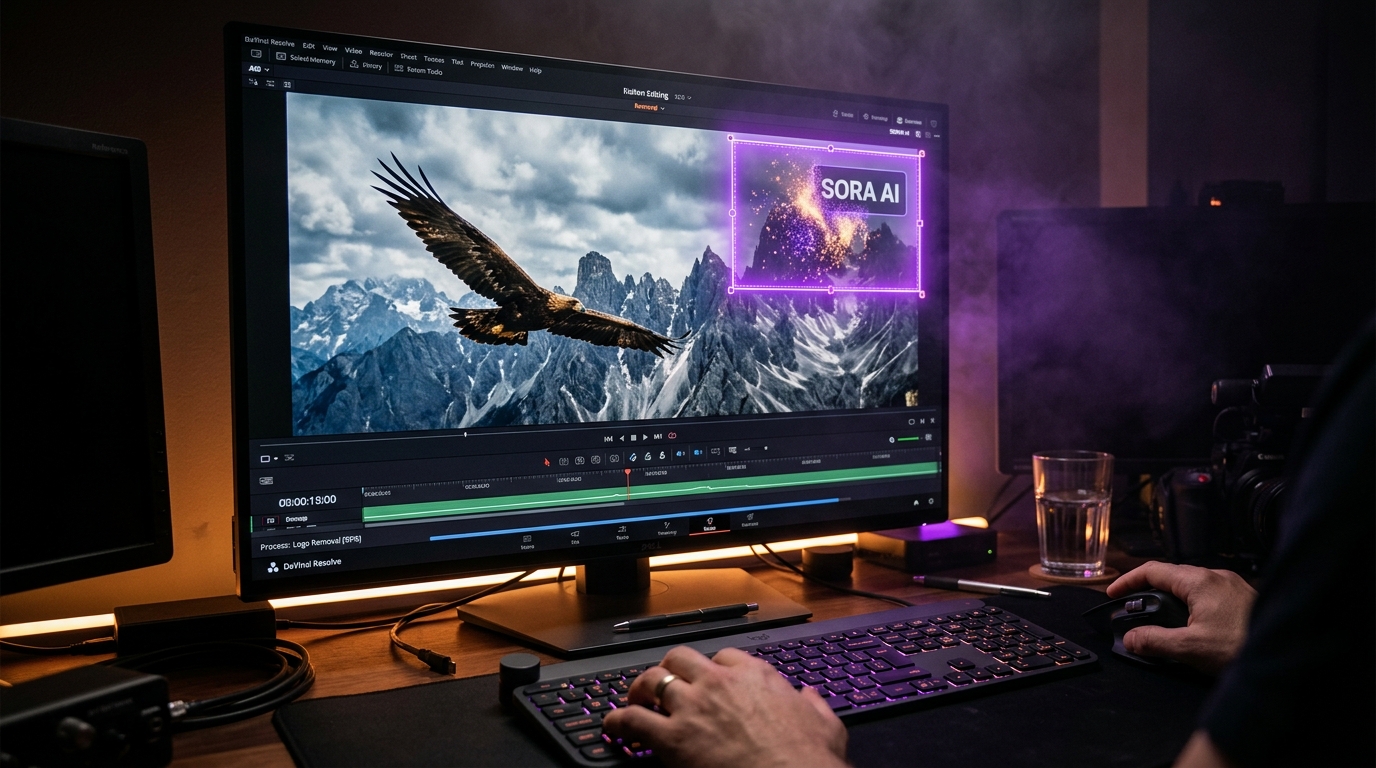
Visual analysis: Zero-blur temporal inpainting isolating and removing TikTok & Reels watermark badges cleanly.

Instant Solution

Have a TikTok & Reels clip to clean right now?

Our free browser studio erases watermarks with zero blur in under 15 seconds.

Clean TikTok Video Free

The Instagram Algorithm Penalty: Why TikTok Logos Kill Your Reach (Up to 80% Drop)

If you are a content creator, influencer, or social media manager cross-posting short-form video, you have likely noticed a frustrating phenomenon: a video that racks up 500,000 views on TikTok often stalls at a measly 250 views when posted directly to Instagram Reels. This is not bad luck—it is deliberate algorithmic filtering. Meta’s engineering team has explicitly confirmed that **Instagram’s recommendation algorithm actively penalizes videos containing visible third-party watermarks or logos**: - **Disqualified from Discovery**: Videos bearing the TikTok musical note badge or username stamp are automatically filtered out of the general **Explore page** and the dedicated **Reels tab**. - **Up to 80% Reach Suppression**: Instead of reaching new non-followers via algorithmic recommendation, watermarked videos are restricted exclusively to your existing profile followers. - **Automated Computer Vision Ingestion**: Instagram’s upload pipeline deploys automated neural object detection trained specifically to flag TikTok watermarks, CapCut template banners, and competitor UI stamps within seconds of upload. To give your short-form video a fighting chance to go viral across multiple networks, stripping the watermark is mandatory.

The Technical Dilemma: Why Bouncing TikTok Watermarks Defeat Basic Filters

Removing a TikTok watermark is significantly more complex than removing a static broadcast TV corner bug: ### 1. Dynamic Coordinate Bouncing TikTok intentionally designs its watermark to resist basic crop-and-blur tools: - For the first 4 to 6 seconds, the username badge hovers in the **upper-left corner**. - It then abruptly leaps to the **lower-right corner**. - At the end of the video, TikTok burns in a full 2-second animated outro card stamped across the center of the frame. ### 2. The Failure of Legacy Blur Tools If you use an old-school online video editor that applies a Gaussian blur box, you end up with two giant milky smudges permanently flickering in opposite corners. In a vertical 9:16 mobile format where viewers hold their screens inches from their faces, blurry smudge patches look instantly amateur and trigger rapid swipe-aways. ### 3. Canvas Cropping Destroys Vertical 9:16 Video Attempting to crop out the bouncing logos severs essential visual elements: talking-head eyes, animated captions, product demonstrations, or lower-third titles.

How Temporal AI Inpainting Erases Moving & Bouncing Badges with Zero Blur

Ghostmark eliminates the bouncing watermark problem through **multi-frame temporal optical flow**: | Feature | Legacy Online Erasers | Ghostmark Temporal Inpainting | | :--- | :--- | :--- | | **Bouncing Logo Tracking** | Fails (static fixed boxes only) | Dynamic temporal variance tracking | | **Pixel Reconstruction** | Smudged Gaussian blur | Multi-frame genuine background synthesis | | **Resolution Integrity** | Often degrades to 720p | Full uncompressed 1080x1920 vertical HD | | **Outro Screen Handling** | Keeps unwanted outro | Cleanly trims or inpaints ending cards | | **Processing Cost** | Paid subscription traps | **100% Free Online Studio** | ### The Secret of Timestamp-Shifted Backgrounds: Because the TikTok watermark jumps positions during playback, when the logo is in the bottom-right during seconds 6 through 12, **the top-left background is 100% visible and unblemished**. Ghostmark samples those authentic, clear background pixels across time, matches the motion vectors of the camera and lighting, and seamlessly reconstructs the obscured area with **zero blur**.

Optimal 9:16 Technical Specs for Instagram Reels & YouTube Shorts

To maximize video sharpness and avoid re-compression compression artifacts when syndicating to Meta and YouTube: - **Dimensions**: Exactly **1080 x 1920 pixels** (true 9:16 vertical aspect ratio). - **Framerate**: Match native recording (typically 30 FPS or 60 FPS). Ghostmark preserves exact native framerates without jittery frame-dropping conversions. - **Bitrate Profile**: Target 12 to 18 Mbps H.264 MP4. - **Lossless Audio Demuxing**: Ghostmark demuxes your original audio track and re-attaches it with zero lossy transcoding, ensuring trending music, voiceovers, and sound effects remain punchy and clear without tinny distortion.

Step-by-Step: The 60-Second Daily Cross-Posting Workflow

Here is the frictionless daily syndication routine used by top creator agencies: ### Step 1: Save Your Video from TikTok Download your video from TikTok onto your smartphone or computer. (Don't worry if it contains the floating watermark or outro card). ### Step 2: Drop Into Ghostmark Studio Navigate to the [TikTok Watermark Remover](/tools/remove-tiktok-watermark) or open [Ghostmark Studio](/app). Upload your MP4 or MOV vertical video. Ghostmark handles files up to 500 MB directly in your browser. ### Step 3: Run AI Temporal Removal & Download Click **Auto Inpaint**. The computer vision model automatically scans the timeline, detects both the upper-left and lower-right watermark zones, and regenerates the authentic background. Review the side-by-side preview and click **Download Clean Video**. ### Step 4: Publish Natively to Reels & Shorts Upload your pristine, unbranded MP4 directly to Instagram Reels and YouTube Shorts. Add your native captions and trending platform audio to trigger peak algorithmic velocity.

The 3x Creator Growth Blueprint: One Video, Three Revenue Streams

Creating high-quality short-form video requires significant time, ideation, and lighting setup. Restricting that effort to a single platform leaves 60% to 70% of your potential reach on the table. By incorporating a clean, zero-blur watermark removal step into your workflow: - **Triple Your Surface Area**: A single video concept works simultaneously for TikTok Creator Rewards, YouTube Shorts AdSense revenue, and Instagram Reels brand sponsorships. - **Professional Brand Safety**: Commercial sponsors and enterprise brands will never partner with creators whose reels look recycled with third-party competitor stamps. - **Future-Proof Archive**: You build an unbranded, high-resolution master asset library of all your creative work that you own forever.
People Also Ask & FAQs

Frequently Asked Questions About TikTok & Reels

Verified answers to the most common questions regarding TikTok & Reels watermark removal, legality, and resolution preservation.

Does Instagram really suppress Reels that have a TikTok watermark?

▼

Yes. Meta officially confirmed that the Instagram Reels algorithm actively penalizes videos containing visible watermarks from other platforms, reducing their placement in Explore and Recommended feeds by up to 80%.

How does Ghostmark remove the TikTok watermark that bounces from corner to corner?

▼

Ghostmark uses temporal variance tracking. Because the TikTok handle shifts positions across the timeline, the scene behind it is visible in other frames. Ghostmark borrows these clear frames across time to eliminate the logo with zero blur.

Will my video lose resolution or audio quality during TikTok watermark removal?

▼

No. Ghostmark modifies only the exact pixels occluded by the watermark tag. The rest of your vertical canvas stays at full 1080x1920 resolution with lossless audio stream preservation.

Can I repurpose the cleaned video to YouTube Shorts and Facebook Reels too?

▼

Absolutely. The clean MP4 export is 100% unbranded and ready for native upload to Instagram Reels, YouTube Shorts, Facebook Reels, and Pinterest Idea Pins.

Is this TikTok watermark remover free to use online?

▼

Yes. Ghostmark is 100% free to use online with no apps to install, no signups required, and no watermark added to your output.

Zero Blur AI Temporal Inpainting

Clean TikTok Video Free

Free browser-based AI video studio with zero file retention, microsecond audio preservation, and instant preview.

Expand Your Knowledge

Related Guides & Inpainting Tutorials