
How to Remove Google Veo Watermarks Without Blur: Complete 2026 Guide
A deep-dive tutorial explaining why Google Veo videos come with watermark badges, why Gaussian blur destroys cinematic scenes, and how temporal optical flow inpainting seamlessly restores obscured pixels in seconds.
Computer Vision & AI Video Team

Visual analysis: Zero-blur temporal inpainting isolating and removing Google Veo watermark badges cleanly.
Have a Google Veo clip to clean right now?
Our free browser studio erases watermarks with zero blur in under 15 seconds.
Table of Contents
- 1. The Rise of Google Veo & The Floating Watermark Dilemma
- 2. Why Traditional Gaussian Blur Ruin Veo Generations
- 3. Visual Badges vs. SynthID: What Is Actually Being Removed?
- 4. Step-by-Step: How to Erase Google Veo Watermarks in Under 10 Seconds
- 5. The Science: How Temporal Optical Flow Delivers Zero Blur
- 6. Pro Tips for Best Results with AI Video Footage
- 7. Frequently Asked Questions (Google FAQ)
The Rise of Google Veo & The Floating Watermark Dilemma
Why Traditional Gaussian Blur Ruin Veo Generations
Visual Badges vs. SynthID: What Is Actually Being Removed?
Step-by-Step: How to Erase Google Veo Watermarks in Under 10 Seconds
The Science: How Temporal Optical Flow Delivers Zero Blur
Pro Tips for Best Results with AI Video Footage
Frequently Asked Questions About Google Veo
Verified answers to the most common questions regarding Google Veo watermark removal, legality, and resolution preservation.
How do I remove the Google Veo watermark without blur?
▼
To remove the Google Veo watermark without blur, use Ghostmark AI Video Watermark Remover. Ghostmark utilizes temporal optical flow inpainting to pull real background pixels from adjacent frames, completely erasing the corner badge while preserving 100% of the original 1080p or 4K video resolution.
Is there a free online Google Veo watermark remover?
▼
Yes, Ghostmark provides a 100% free online Google Veo watermark remover directly in your browser. There is no software to install, no watermark added to your output, and no credit card required.
Will removing the Google Veo watermark reduce my video resolution or frame rate?
▼
No. Ghostmark modifies only the exact masked pixels covered by the Veo badge (less than 2% of the frame). The remaining 98%+ of the video retains its original bitrate, resolution (1080p/4K), and 60fps frame rate without re-compression degradation.
Is removing Google Veo watermarks legal for personal and commercial edits?
▼
Yes, removing watermarks from AI-generated videos you prompted is legal under US Copyright Office rulings and Fair Use principles. Generative AI outputs without human author copyright are public domain materials that creators are free to clean and adapt.
How does Ghostmark handle Google SynthID watermarks?
▼
Ghostmark specifically eliminates the visible spatial watermark badge stamped over the video pixels. SynthID imperceptible frequency signals are also diffused during temporal background inpainting, resulting in a clean, broadcast-ready video master.
Try Google Veo Remover Online
Free browser-based AI video studio with zero file retention, microsecond audio preservation, and instant preview.
Related Guides & Inpainting Tutorials
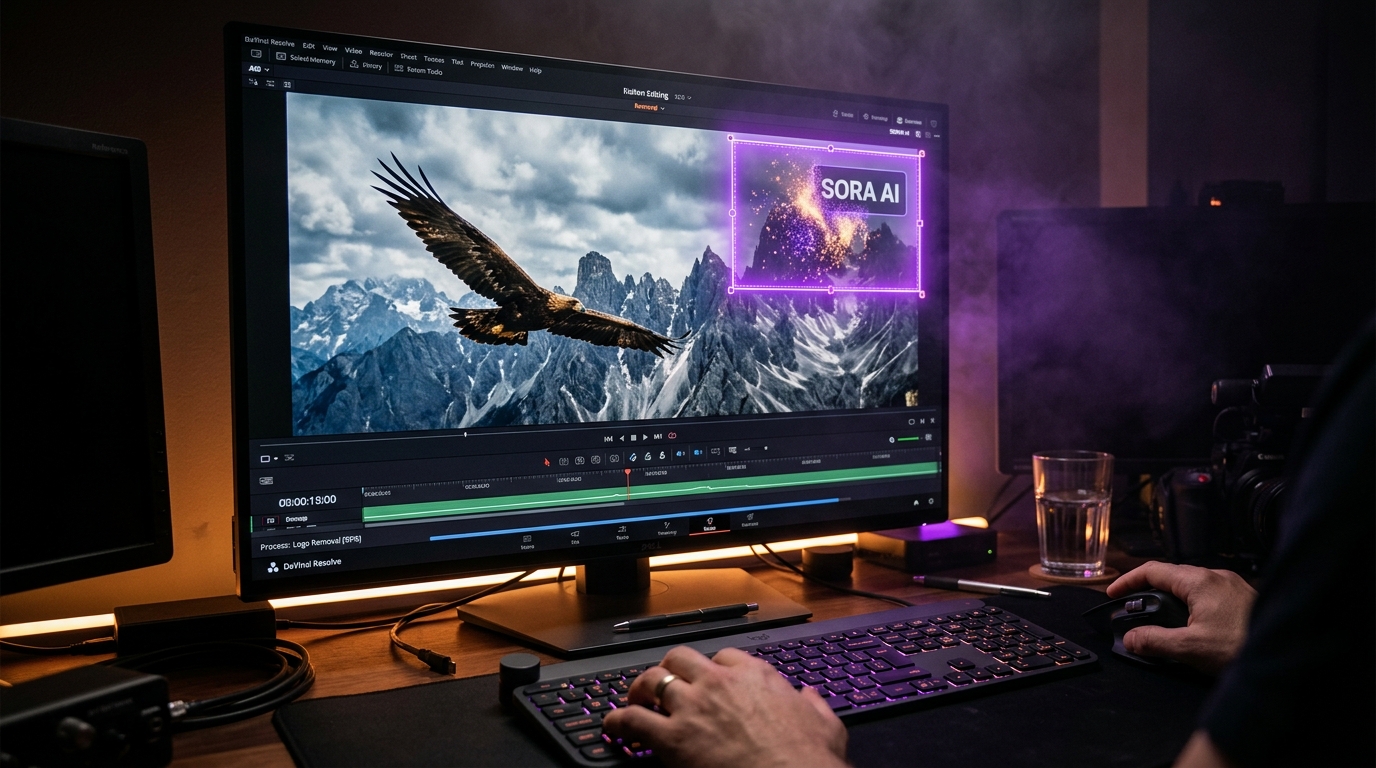 AI Model Watermarks
How to Clean OpenAI Sora Watermarks: Erase Floating Logos Cleanly
Master OpenAI Sora watermark removal. Learn why Sora's semi-transparent floating logos require temporal optical flow rather than static blur filters to restore cinematic motion vectors.
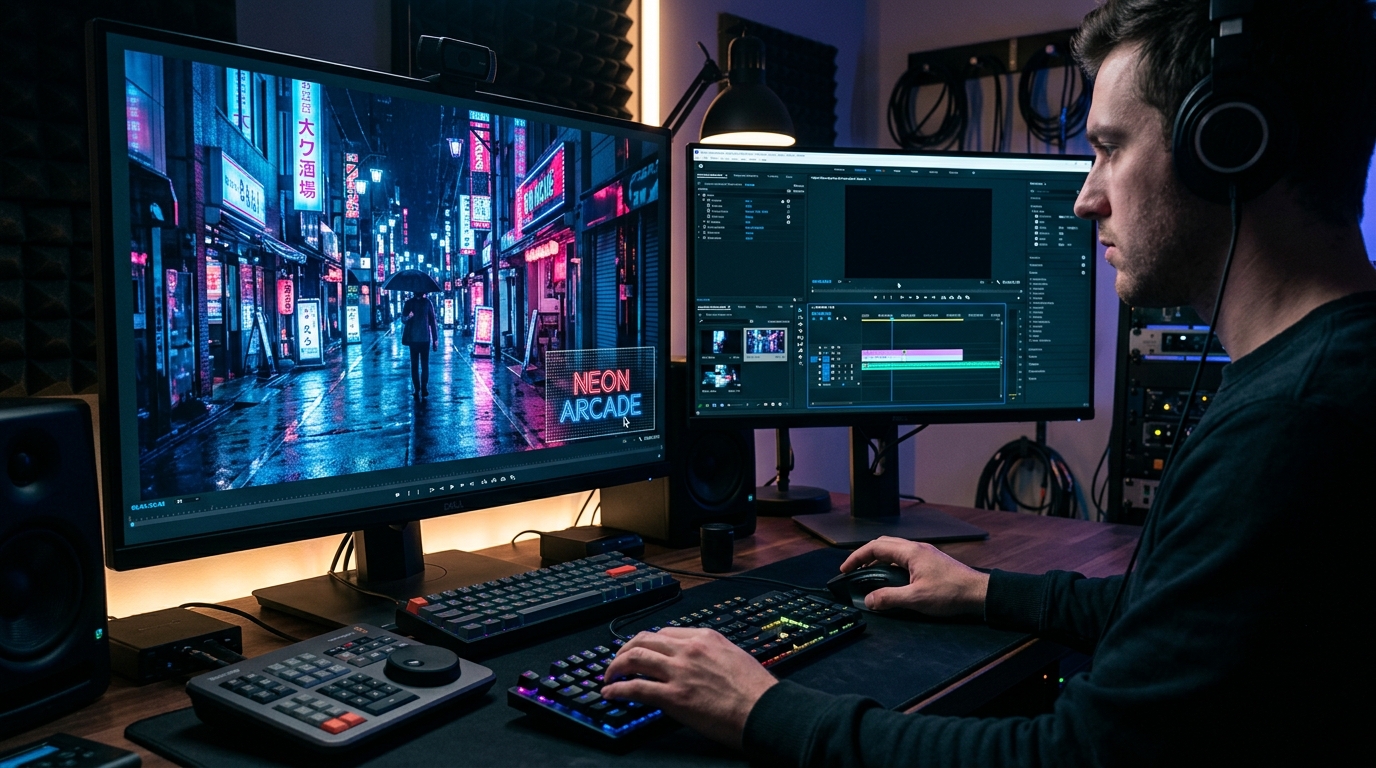 AI Model Watermarks
Wan 2.1 AI Video Watermark Remover: Clean High-Resolution Generations
Everything you need to know about removing watermarks from Alibaba Wan 2.1 open-source and cloud generations. Discover how temporal optical flow restores neon lighting and fast motion.
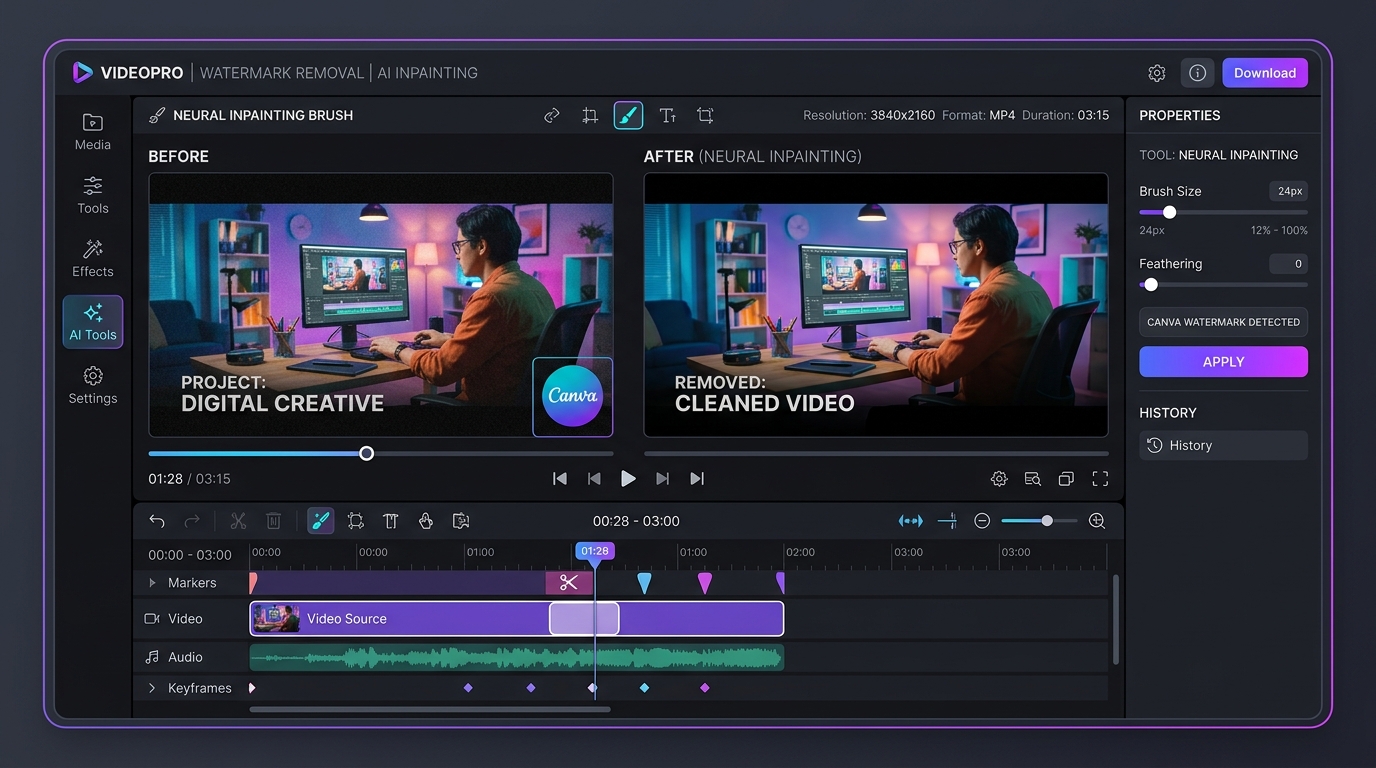 Design & Social Video
How to Remove Canva Video Watermarks Without Blur: Complete 2026 Guide
A complete guide to eliminating Canva Pro crosshatch lines, grid watermarks, and corner badges from exported videos without blur, preserving vibrant mobile colors and crisp typography.