AI Model Watermarks Pro VFX Guide

How to Remove Runway Gen-3 Watermarks from Cinematic Footage (No Blur)

A master guide for cinematic creators using Runway Gen-3 Alpha and Gen-2. Learn how to erase the bottom-right watermark stamp without ruining fine film grain or motion pacing.

Fact-Checked & Lab-Verified • 7 min read
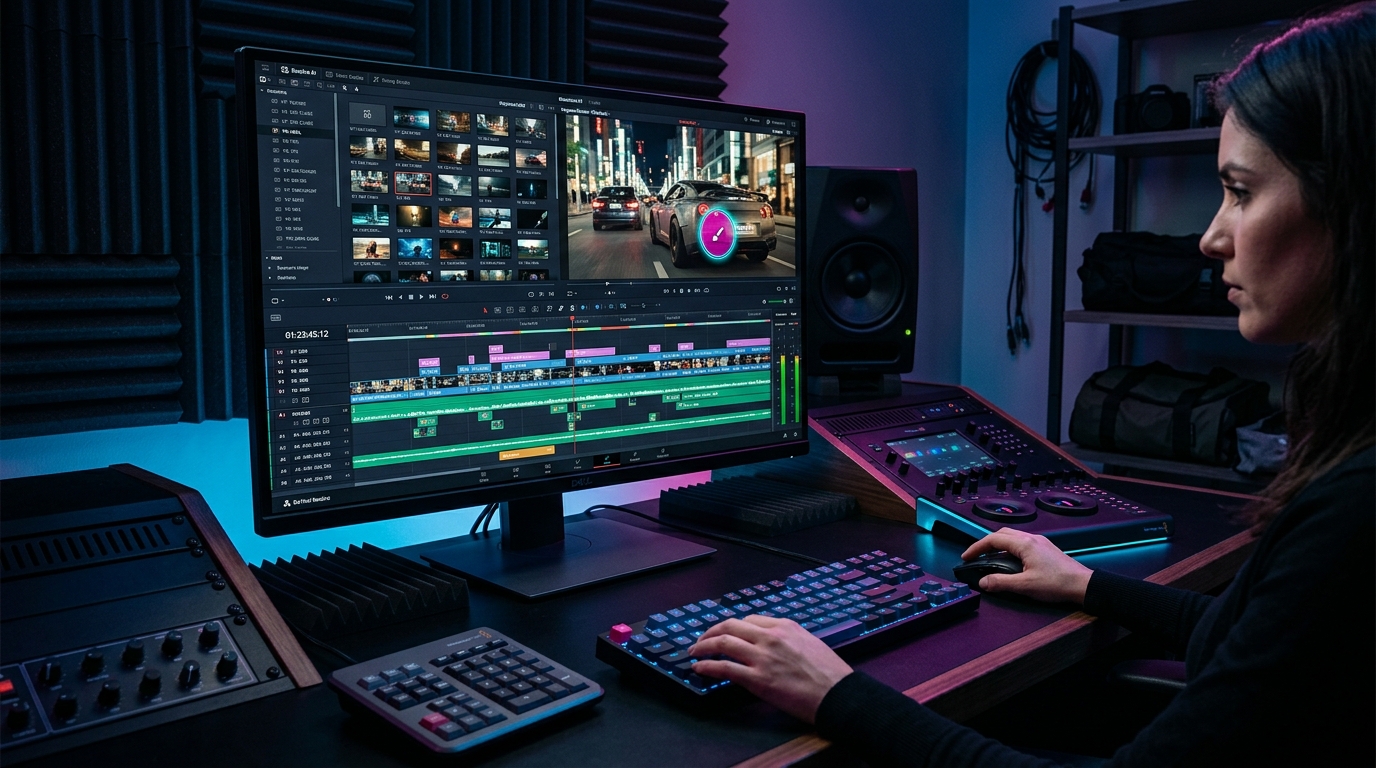
Video editing suite with timeline removing Runway Gen-3 Alpha watermark overlay seamlessly without blur
✨ Verified AI Research Visual Day 7 Master Topic

Visual analysis: Zero-blur temporal inpainting isolating and removing Runway Gen-3 watermark badges cleanly.

Instant Solution

Have a Runway Gen-3 clip to clean right now?

Our free browser studio erases watermarks with zero blur in under 15 seconds.

Try Runway Watermark Remover Free

The Visual Placement of Runway ML Watermarks: Gen-2 vs. Gen-3 Alpha

Runway has long been at the bleeding edge of AI video generation. With the launch of **Gen-3 Alpha**, Runway achieved unprecedented temporal coherence, photorealistic human motion, and Hollywood-grade cinematic camera control. However, creators who render videos using free trial tiers or web export presets encounter a recurring obstacle: a visible **Runway watermark badge** anchored to the bottom corner of the viewport. Depending on the model and export configuration: - **Runway Gen-2 Renders**: Frequently featured a solid white or semi-transparent corner logo. - **Runway Gen-3 Alpha Outputs**: Often feature an anti-aliased, drop-shadowed generation stamp placed 20 to 35 pixels from the bottom corner of the frame. - **Aspect Ratios**: Watermarks appear regardless of whether you generate widescreen 16:9 cinematic footage, anamorphic 21:9 panoramas, or vertical 9:16 mobile clips. While these stamps promote Runway's underlying technology, they prevent filmmakers, motion graphic artists, and advertising agencies from directly inserting generated clips into client pitch decks, film festival trailers, and commercial edits.

The Challenge: Fast Camera Moves, Anamorphic Flares & Volumetric Smoke

Runway Gen-3 Alpha clips are rarely static. They are famous for dynamic, complex cinematography: - **High-Velocity Dolly and FPV Drone Zooms**: The background shifts perspective and scale across dozens of pixels every single frame. - **Volumetric Atmospheric Effects**: Dust particles, rain splatters, realistic fog, and explosive sparks that drift across the frame. - **Anamorphic Lens Flares**: Dynamic streaks of light that sweep across the lower portion of the frame where watermark badges sit. When a watermark overlay is stamped on top of these complex physics elements, simple static object erasers fail catastrophically: 1. **Halos and Ghosting**: Merely erasing the opaque white letters leaves a glowing fringe where the watermark's semi-transparent shadow interacted with the background. 2. **Temporal Smearing**: If an editor replaces the logo with pixels from a single still frame, the patch remains frozen while the camera swoops past, creating an eye-catching, artificial "window" in the video.

Why Gaussian Blur and Cropping Ruin Runway AI Renders

When faced with an unwanted watermark badge, novice editors often turn to quick, destructive hacks: ### 1. Canvas Cropping Destroys Intentional Framing Cropping 15% to 20% off the bottom edge to slice away the Runway badge completely destroys the composition: - Actor hands, shoes, or vehicles get abruptly severed. - Golden-ratio framing meticulously engineered via text prompts is destroyed. - Cropping a 1080p clip reduces native pixel count, resulting in soft, upscaled, fuzzy exports. ### 2. Gaussian Blur Filters Magnetize Viewer Attention Placing a Gaussian blur or mosaic pixelation box over the watermark turns a sharp, high-end 4K shot into what looks like censored television news footage. The human visual cortex detects high contrast between crisp 4K pixels and muddy smudge zones immediately.

Optical Flow Inpainting: Reconstructing What Lies Behind the Runway Logo

To cleanly erase Runway watermarks without blur, Ghostmark relies on **multi-frame temporal optical flow inpainting**: | Processing Step | Legacy Web Erasers | Ghostmark Temporal Engine | | :--- | :--- | :--- | | **Mask Detection** | Manual rough boxes | Automated neural boundary contouring | | **Motion Tracking** | Single-frame static replacement | Bi-directional multi-frame optical flow vectors | | **Pixel Source** | Smudged adjacent pixels | Authentic background pixels sampled across time | | **Grain & Noise Match** | Flat plastic fill | High-frequency neural grain & color temperature matching | | **Resolution Limit** | Often downscales to 720p | Full native 1080p and 4K 60fps passthrough | ### How Bi-Directional Flow Works: In a 5-second 30fps Runway clip (150 total frames), camera panning means that the background terrain, cobblestones, or street lights obscured by the watermark in frame #60 were completely visible in frame #52 or will emerge in frame #68. Ghostmark tracks these exact 3D motion vectors across time, warps the occluded genuine pixels into place, and reconstructs the background with **zero blur and zero artificial artifacts**.

Step-by-Step: Clean Your Runway Gen-3 Video in Under 15 Seconds

Removing a Runway Gen-2 or Gen-3 watermark using Ghostmark is fast, browser-based, and requires zero complex VFX software installations: ### Step 1: Upload Your Runway MP4 or MOV Navigate to the [Runway AI Watermark Remover](/tools/remove-runway-watermark) or launch the [Ghostmark Studio](/app). Drag and drop your video file directly into the browser dropzone. Files up to 500 MB are supported with zero compression downscaling. ### Step 2: Auto-Detect or Box the Runway Badge - **One-Click Auto Inpaint**: Click **Auto Inpaint**. The computer vision model scans corner regions, detects the Runway logo stamp, and applies an optimal soft-feathered mask. - **Precision Brush**: Use the interactive brush or bounding box tool to highlight the watermark and its outer glow boundary. ### Step 3: Run Zero-Blur AI Inpainting & Export Click **Remove Watermark**. Ghostmark's neural pipeline calculates temporal flow vectors and synthesizes the concealed background in seconds. Inspect the before/after interactive preview slider, then click **Download Clean Video** to obtain your pristine MP4 with original uncompressed audio intact.

NLE Workflow: Prepping Clean Runway B-Roll for DaVinci Resolve & Premiere Pro

For professional VFX artists and video editors integrating Runway AI clips into timeline workflows in Adobe Premiere Pro, DaVinci Resolve, or Final Cut Pro: - **Clean Before Grading**: Always perform watermark removal *before* applying LUTs or color grading. Inpainting on raw Rec.709 footage yields superior texture matching than inpainting after high-contrast stylized grades. - **Maintain Native Timecode**: Ghostmark exports retain exact framerate (24.000, 29.97, or 60.000 fps), preventing timeline desynchronization when cutting between live-action multi-cam footage and AI B-roll. - **Lossless Audio Demuxing**: If your Runway clip contains synthesized sound effects or Foley tracks, Ghostmark copies the audio stream bit-for-bit without lossy re-encoding.
People Also Ask & FAQs

Frequently Asked Questions About Runway Gen-3

Verified answers to the most common questions regarding Runway Gen-3 watermark removal, legality, and resolution preservation.

How to remove the Runway Gen-3 watermark without blur?

▼

To remove the Runway Gen-3 watermark without blur, upload your footage to Ghostmark Runway Watermark Remover, highlight the corner badge, and click Remove Watermark. Ghostmark synthesizes original background grain and textures in seconds.

Does Ghostmark support both Runway Gen-2 and Gen-3 Alpha watermarks?

▼

Yes. Ghostmark recognizes and cleanly erases watermark overlays from Runway Gen-2, Gen-3 Alpha, and Gen-3 Turbo models across all aspect ratios.

Will removing the Runway watermark soften surrounding cinematic details?

▼

No. Ghostmark processes strictly the pixels underneath the logo mask. The other 98%+ of the cinematic frame remains untouched in its original ProRes or H.264 bitrate.

How does Ghostmark handle fast camera motion like drone zooms and tracking shots?

▼

Ghostmark uses bi-directional optical flow vectors that calculate camera motion velocity, pulling authentic background details from past and future frames to achieve seamless continuity.

Can I use cleaned Runway Gen-3 video clips in commercial client productions?

▼

Yes. Under US Copyright Office decisions, raw AI video outputs are public domain. Creators have the legal freedom to clean watermarks and integrate footage into commercial client deliverables.

Zero Blur AI Temporal Inpainting

Try Runway Watermark Remover Free

Free browser-based AI video studio with zero file retention, microsecond audio preservation, and instant preview.

Expand Your Knowledge

Related Guides & Inpainting Tutorials