
How to Remove Kling AI Watermarks from Videos (Full HD & 4K)
Discover how to remove Kling AI 1.0, 1.5, and 2.0 watermarks without blurring cinematic scenes. Maintain realistic skin textures, fluid motion, and crisp 1080p detail.
Generative Video & Color Grading Team
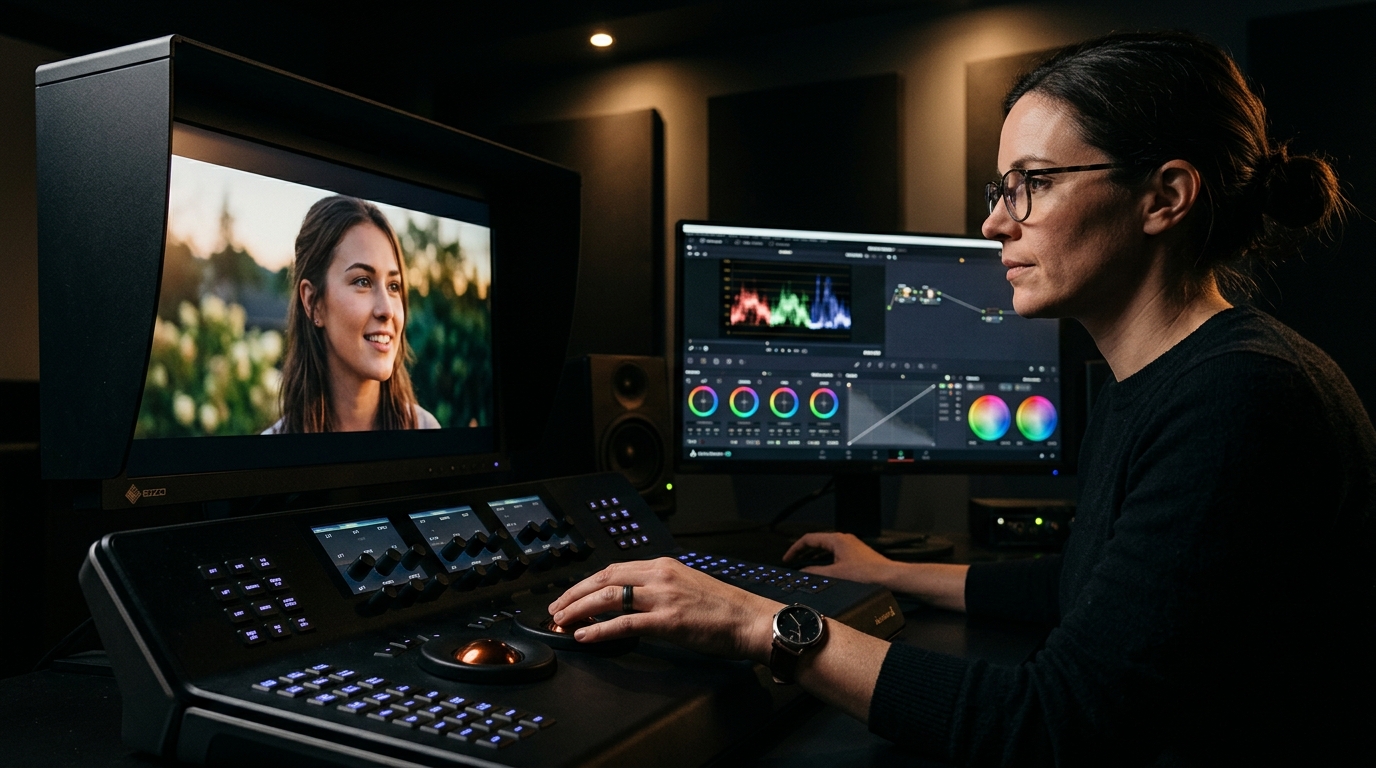
Visual analysis: Zero-blur temporal inpainting isolating and removing Kling AI watermark badges cleanly.
Have a Kling AI clip to clean right now?
Our free browser studio erases watermarks with zero blur in under 15 seconds.
Table of Contents
- 1. The Rise of Kling AI: Hollywood-Grade Motion Meets the Watermark Problem
- 2. Why Cropping Kling AI Videos Destroys Golden-Ratio Composition
- 3. The Challenge: Preserving Skin Tones, Bokeh & Organic Textures
- 4. Step-by-Step Tutorial: Erasing Kling AI Watermarks in Under 10 Seconds
- 5. Color Grading & Post-Production: DaVinci Resolve & Premiere Workflow
- 6. Frequently Asked Questions (Google FAQ)
The Rise of Kling AI: Hollywood-Grade Motion Meets the Watermark Problem
Why Cropping Kling AI Videos Destroys Golden-Ratio Composition
The Challenge: Preserving Skin Tones, Bokeh & Organic Textures
Step-by-Step Tutorial: Erasing Kling AI Watermarks in Under 10 Seconds
Color Grading & Post-Production: DaVinci Resolve & Premiere Workflow
Frequently Asked Questions About Kling AI
Verified answers to the most common questions regarding Kling AI watermark removal, legality, and resolution preservation.
How do I remove the Kling AI watermark from videos without blur?
▼
To remove the Kling AI watermark without blur, upload your video to Ghostmark Kling AI Watermark Remover, mask the logo badge, and click Remove Watermark. Ghostmark borrows authentic pixels across time to reconstruct the background cleanly.
Where does Kling AI place its watermark on generated videos?
▼
Kling AI stamps a small translucent logo badge in the corner of free-tier generations. Ghostmark's neural detector isolates the exact badge boundaries automatically.
Can Ghostmark remove watermarks from both Kling 1.5 and Kling 2.0 generations?
▼
Yes. Ghostmark supports watermark removal for Kling 1.0, Kling 1.5, and the latest Kling 2.0 generations at both 30fps and 60fps.
How does Ghostmark preserve natural skin tones and background blur (bokeh)?
▼
Ghostmark's deep neural synthesis engine understands shallow depth of field (bokeh) and human facial geometry, ensuring reconstructed pixels match surrounding skin tones and blur gradients flawlessly.
Is it completely free to remove watermarks from Kling AI videos on Ghostmark?
▼
Yes. Ghostmark offers free online video watermark removal with zero software installation, no forced subscriptions, and no added watermarks.
Try Kling Watermark Remover Free
Free browser-based AI video studio with zero file retention, microsecond audio preservation, and instant preview.
Related Guides & Inpainting Tutorials
 AI Model Watermarks
How to Remove Google Veo Watermarks Without Blur: Complete 2026 Guide
A deep-dive tutorial explaining why Google Veo videos come with watermark badges, why Gaussian blur destroys cinematic scenes, and how temporal optical flow inpainting seamlessly restores obscured pixels in seconds.
 AI Model Watermarks
How to Clean OpenAI Sora Watermarks: Erase Floating Logos Cleanly
Master OpenAI Sora watermark removal. Learn why Sora's semi-transparent floating logos require temporal optical flow rather than static blur filters to restore cinematic motion vectors.
 AI Model Watermarks
Wan 2.1 AI Video Watermark Remover: Clean High-Resolution Generations
Everything you need to know about removing watermarks from Alibaba Wan 2.1 open-source and cloud generations. Discover how temporal optical flow restores neon lighting and fast motion.