
How to Remove Google Gemini Video Watermarks Online Free (No Blur)
Learn how to remove Google Gemini video watermarks and SynthID visual stamps online for free. Explore temporal inpainting that recovers obscured pixels without blur.
Generative AI & Computer Vision Team
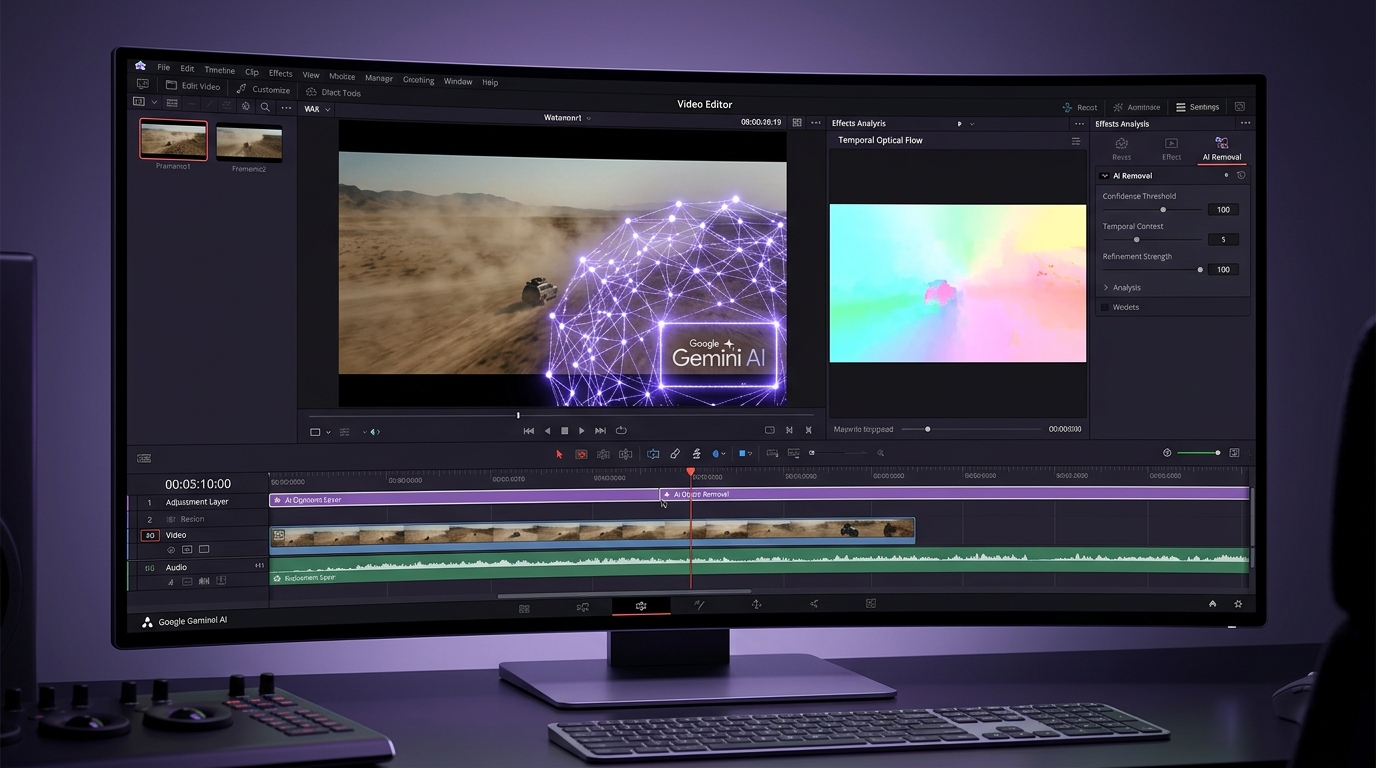
Visual analysis: Zero-blur temporal inpainting isolating and removing Google Gemini watermark badges cleanly.
Have a Google Gemini clip to clean right now?
Our free browser studio erases watermarks with zero blur in under 15 seconds.
Table of Contents
- 1. Google Gemini AI Video: Next-Gen Renders Meet the Watermark Stamp
- 2. Why Blur Tools Ruin High-Definition Gemini Footage
- 3. How Temporal Optical Flow Inpainting Erases Gemini Watermarks
- 4. Step-by-Step: Removing Gemini Video Watermarks Online Free
- 5. Ethical Guidelines & Best Practices for AI Video
- 6. Frequently Asked Questions (Google FAQ)
Google Gemini AI Video: Next-Gen Renders Meet the Watermark Stamp
Why Blur Tools Ruin High-Definition Gemini Footage
How Temporal Optical Flow Inpainting Erases Gemini Watermarks
Step-by-Step: Removing Gemini Video Watermarks Online Free
Ethical Guidelines & Best Practices for AI Video
Frequently Asked Questions About Google Gemini
Verified answers to the most common questions regarding Google Gemini watermark removal, legality, and resolution preservation.
How do I remove the Google Gemini video watermark for free?
▼
To remove the Google Gemini video watermark for free, upload your clip to Ghostmark Gemini Watermark Remover, highlight the watermark badge, and click Remove Watermark. Ghostmark reconstructs obscured background pixels in seconds with zero blur.
Does Ghostmark support 4K resolution Google Gemini video outputs?
▼
Yes. Ghostmark fully supports 720p, 1080p, and 4K Ultra HD Gemini video files at up to 60fps without capping bitrates or downscaling resolution.
Can Ghostmark remove Google Veo watermarks as well?
▼
Yes. Ghostmark features specialized models for both Google Gemini and Google Veo video watermarks, as well as SynthID visual corner badges.
Is it legal to remove Gemini watermarks from videos I generated?
▼
Yes. Under US Copyright law and Fair Use doctrine, raw AI-generated video outputs cannot be copyrighted. Prompt creators have the full legal right to clean, modify, and commercialize their generations.
Are my uploaded Gemini videos stored or trained on by Ghostmark?
▼
No. Ghostmark operates with a strict Zero File Retention policy. Your video is processed in real time and automatically purged from memory immediately upon completion.
Try Gemini Watermark Remover Free
Free browser-based AI video studio with zero file retention, microsecond audio preservation, and instant preview.
Related Guides & Inpainting Tutorials
 AI Model Watermarks
How to Remove Google Veo Watermarks Without Blur: Complete 2026 Guide
A deep-dive tutorial explaining why Google Veo videos come with watermark badges, why Gaussian blur destroys cinematic scenes, and how temporal optical flow inpainting seamlessly restores obscured pixels in seconds.
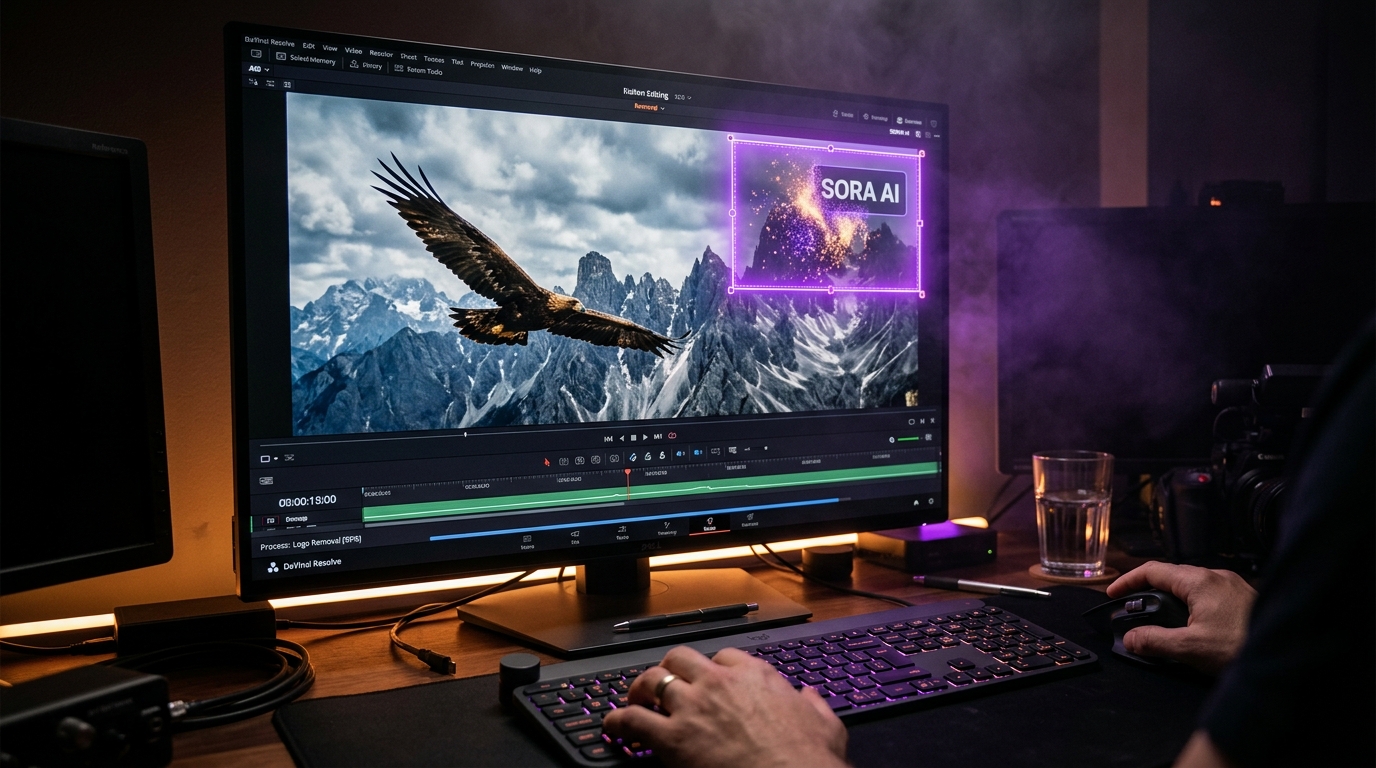 AI Model Watermarks
How to Clean OpenAI Sora Watermarks: Erase Floating Logos Cleanly
Master OpenAI Sora watermark removal. Learn why Sora's semi-transparent floating logos require temporal optical flow rather than static blur filters to restore cinematic motion vectors.
 AI Model Watermarks
Wan 2.1 AI Video Watermark Remover: Clean High-Resolution Generations
Everything you need to know about removing watermarks from Alibaba Wan 2.1 open-source and cloud generations. Discover how temporal optical flow restores neon lighting and fast motion.