
How to Remove Bouncing & Moving Watermarks from Video: Temporal Inpainting
Bouncing watermarks are designed to defeat static filters. Discover how multi-frame motion vector tracking and temporal synthesis seamlessly erase dynamic floating logos across every frame.
Neural Optical Flow & Motion Tracking Researchers
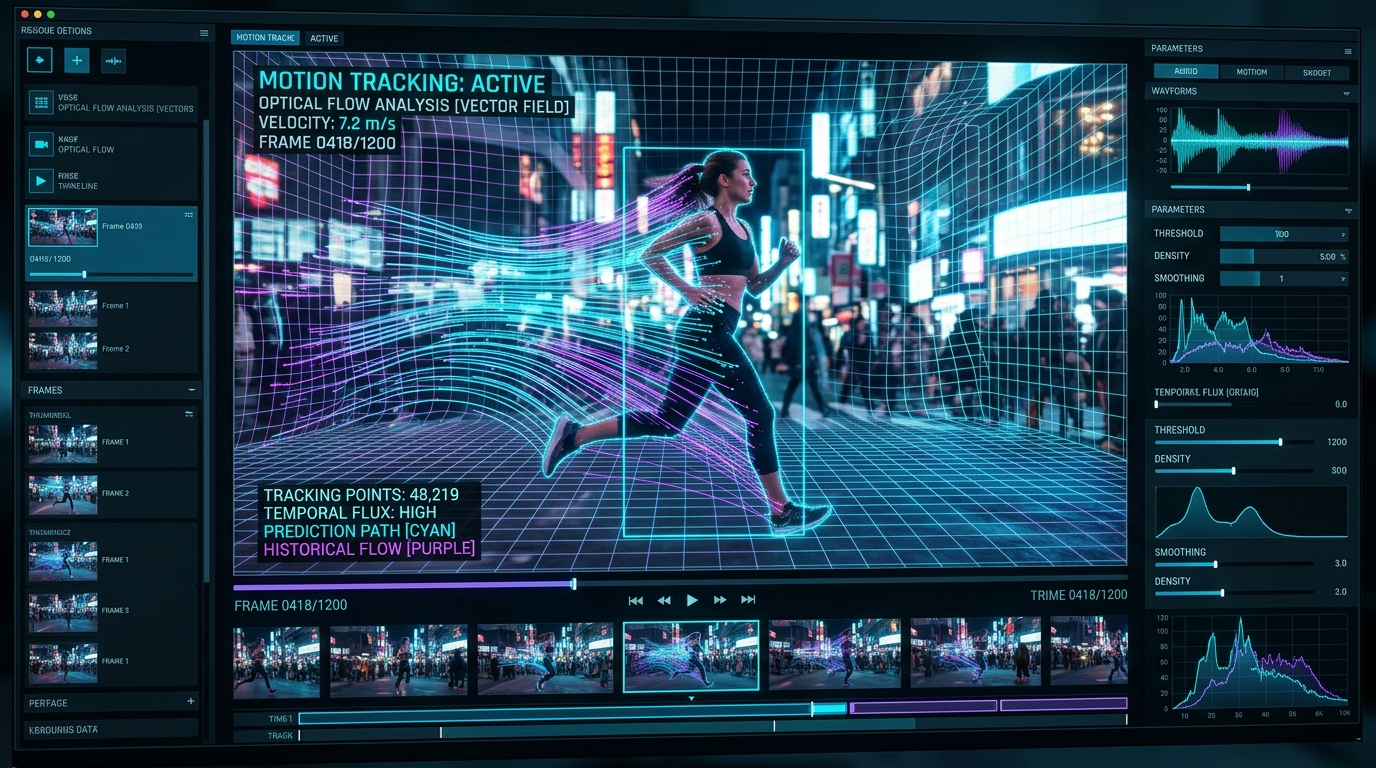
Visual analysis: Zero-blur temporal inpainting isolating and removing Moving Watermarks watermark badges cleanly.
Have a Moving Watermarks clip to clean right now?
Our free browser studio erases watermarks with zero blur in under 15 seconds.
Table of Contents
Why Platforms and Broadcasters Use Bouncing Watermarks
Why Static Mask Boxes Cause Catastrophic Visual Glitches
The Science: Optical Flow Motion Vectors & Temporal Inpainting
Step-by-Step: Erasing Bouncing Watermarks with Ghostmark
Frequently Asked Questions About Moving Watermarks
Verified answers to the most common questions regarding Moving Watermarks watermark removal, legality, and resolution preservation.
How to remove moving and bouncing watermarks from video without blur?
▼
To remove moving and bouncing watermarks from video without blur, use Ghostmark Moving Watermark Remover. Ghostmark tracks the dynamic trajectory across keyframes and borrows authentic background pixels from time intervals where the watermark was not present.
Can Ghostmark track a watermark that jumps to different corners every few seconds?
▼
Yes. Ghostmark automatically segments the timeline into position intervals, tracking jumping badges and dynamic handles across every phase seamlessly.
Does removing moving watermarks cause flickering or boiling noise?
▼
No. Ghostmark uses temporal consistency regularization across neighboring frames, eliminating the flickering artifacts and boiling noise common in older single-frame tools.
Does it support fast sports action and 60fps high-motion gameplay footage?
▼
Yes. Ghostmark's temporal optical flow engine handles high-framerate 60fps footage with complex camera panning and rapid motion vectors with ease.
Is Ghostmark Moving Watermark Remover free to use online?
▼
Yes. Ghostmark provides free online watermark removal with zero software downloads and no added watermarks.
Erase Moving Watermarks Free
Free browser-based AI video studio with zero file retention, microsecond audio preservation, and instant preview.
Related Guides & Inpainting Tutorials
 AI Model Watermarks
How to Remove Google Veo Watermarks Without Blur: Complete 2026 Guide
A deep-dive tutorial explaining why Google Veo videos come with watermark badges, why Gaussian blur destroys cinematic scenes, and how temporal optical flow inpainting seamlessly restores obscured pixels in seconds.
 AI Model Watermarks
How to Clean OpenAI Sora Watermarks: Erase Floating Logos Cleanly
Master OpenAI Sora watermark removal. Learn why Sora's semi-transparent floating logos require temporal optical flow rather than static blur filters to restore cinematic motion vectors.
 AI Model Watermarks
Wan 2.1 AI Video Watermark Remover: Clean High-Resolution Generations
Everything you need to know about removing watermarks from Alibaba Wan 2.1 open-source and cloud generations. Discover how temporal optical flow restores neon lighting and fast motion.