Cross-Posting Blueprint: Clean YouTube Shorts to TikTok & Instagram Reels
Why social media algorithms downrank competitor logos by up to 80%, and how to syndicate your vertical content seamlessly across YouTube Shorts, TikTok, and Instagram Reels without branding penalties.
Content Syndication & Omnichannel Strategists

Visual analysis: Zero-blur temporal inpainting isolating and removing Omnichannel Video watermark badges cleanly.
Have a Omnichannel Video clip to clean right now?
Our free browser studio erases watermarks with zero blur in under 15 seconds.
Table of Contents
The Platform Wars: Why Social Networks Penalize Competitor Logos
The 5-Minute Daily Cross-Posting Workflow
Eliminating Bouncing Handles and Outro Animations
Metadata Hygiene: Ensuring 100% Native Discovery
Frequently Asked Questions About Omnichannel Video
Verified answers to the most common questions regarding Omnichannel Video watermark removal, legality, and resolution preservation.
Why does Instagram penalize videos with TikTok or YouTube Shorts watermarks?
▼
Instagram's computer vision system automatically detects third-party watermark overlays to prioritize original native content. When detected, the algorithm deprioritizes the video on Explore and Reels feeds, slashing reach by 70% to 80%.
How long does it take to clean a 60-second vertical short?
▼
Using Ghostmark with browser hardware acceleration, a typical 60-second 1080x1920 video processes in under 25 seconds.
Does Ghostmark reduce video bitrate or make text captions blurry?
▼
No. Ghostmark recalculates only the specific pixels covered by the watermark mask. The remaining 98%+ of your video maintains full crisp 1080p resolution and rich mobile colors.
Can I repurpose clean vertical videos to LinkedIn and Pinterest as well?
▼
Yes. Clean unbranded MP4 files perform exceptionally well on LinkedIn Video, Pinterest Idea Pins, Facebook Reels, and X (formerly Twitter).
Is there a free online tool to remove Shorts and Reels watermarks?
▼
Yes. Ghostmark is 100% free to use online with no software to install, no signups required, and zero added watermarks.
Clean Short Videos Online
Free browser-based AI video studio with zero file retention, microsecond audio preservation, and instant preview.
Related Guides & Inpainting Tutorials
 AI Model Watermarks
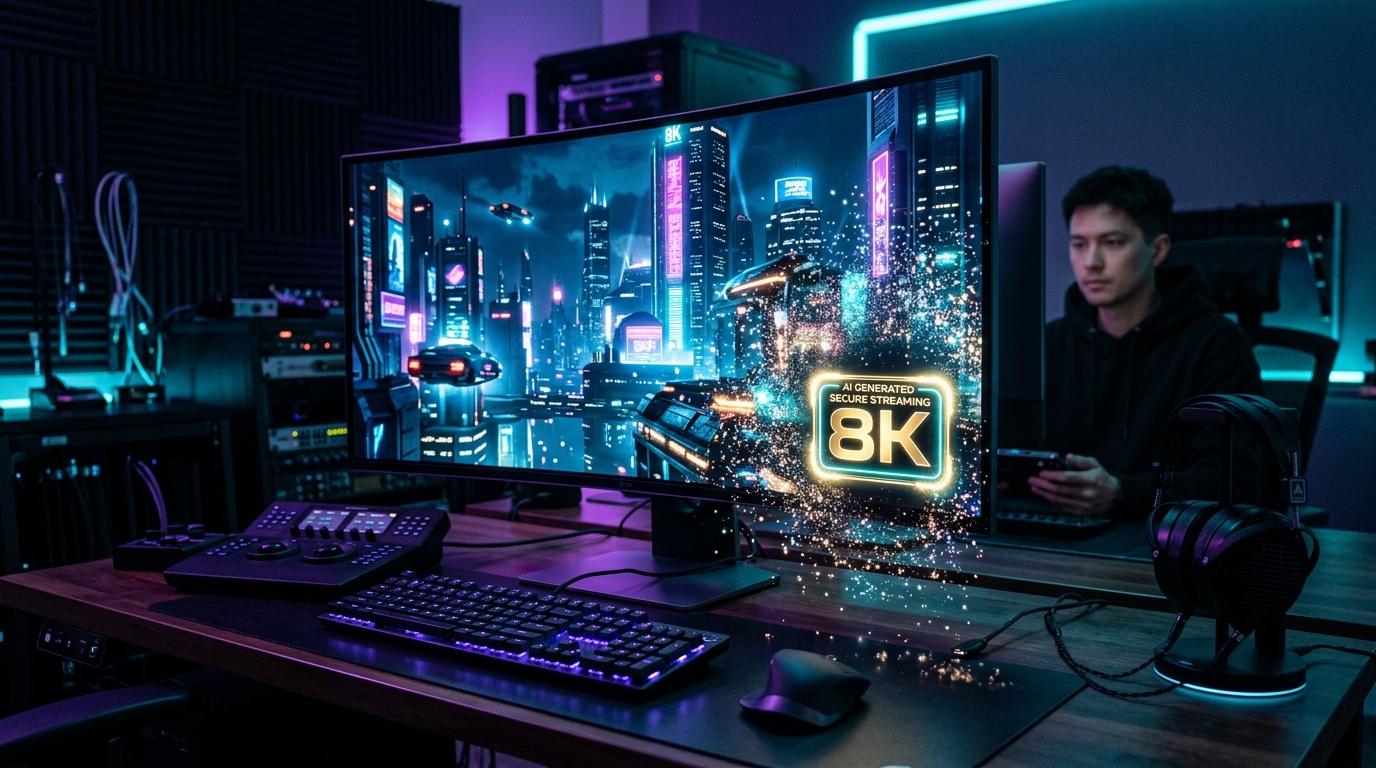
How to Remove Google Veo Watermarks Without Blur: Complete 2026 Guide
A deep-dive tutorial explaining why Google Veo videos come with watermark badges, why Gaussian blur destroys cinematic scenes, and how temporal optical flow inpainting seamlessly restores obscured pixels in seconds.
 AI Model Watermarks
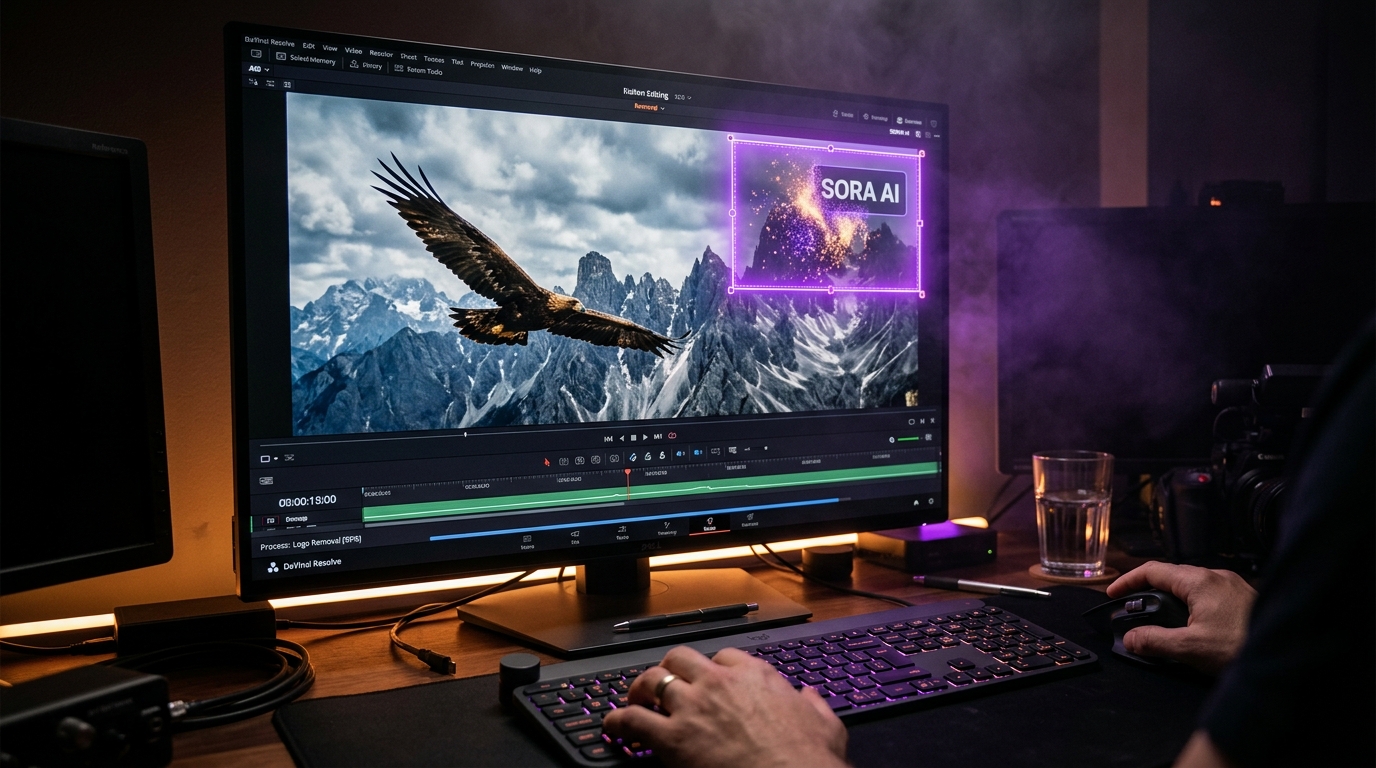
How to Clean OpenAI Sora Watermarks: Erase Floating Logos Cleanly
Master OpenAI Sora watermark removal. Learn why Sora's semi-transparent floating logos require temporal optical flow rather than static blur filters to restore cinematic motion vectors.
 AI Model Watermarks
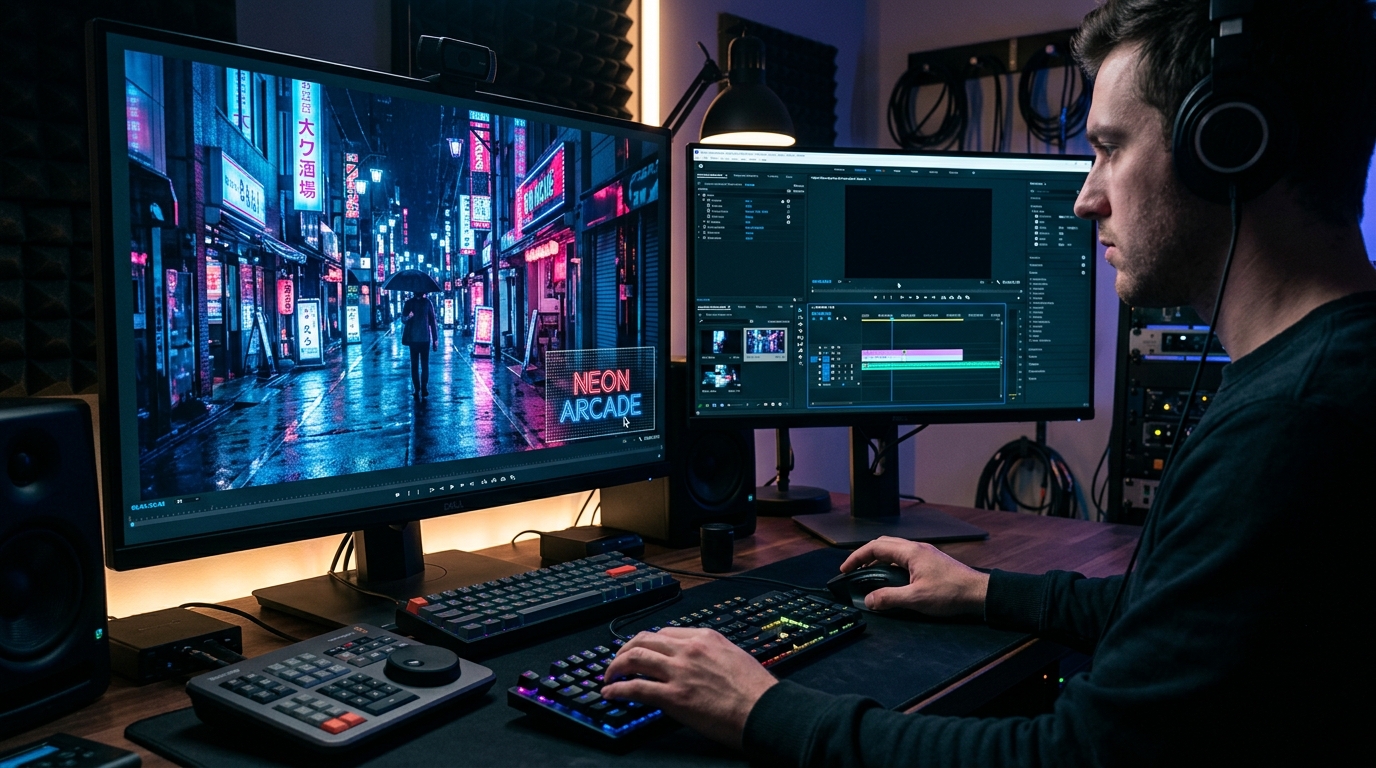
Wan 2.1 AI Video Watermark Remover: Clean High-Resolution Generations
Everything you need to know about removing watermarks from Alibaba Wan 2.1 open-source and cloud generations. Discover how temporal optical flow restores neon lighting and fast motion.